Showing posts with label AutoCAD 2022. Show all posts

Thursday, July 29, 2021

JTB Sheet Set Renumber for AutoCAD

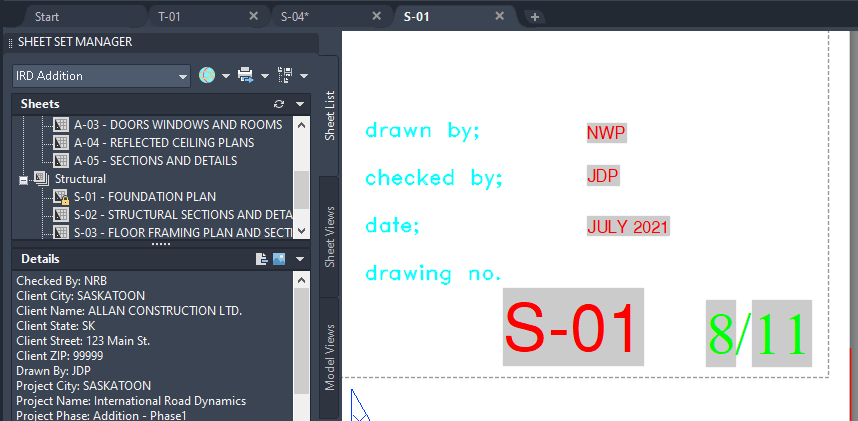
JTB Sheet Set Renumber is a new app from JTB World to make life easier using AutoCAD’s Sheet Set Manager. Quickly renumber and insert total number to sheet set to show them up in fields [Sheet number]/[Total Number]
In many cases, we want to show up in our title block two fields Sheet Number / Total Number.

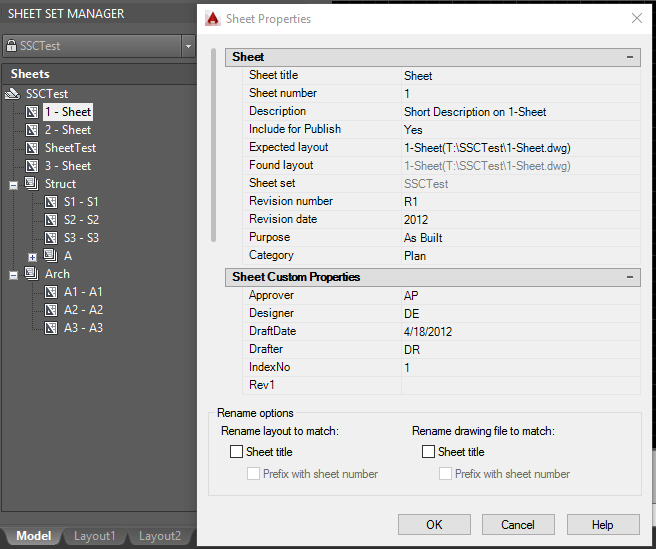
There is Sheet Number property in each sheet, but we have to manually edit it.

There is no Total Number property in the sheet set. We can create it as custom property, but again, we have to manually edit it.

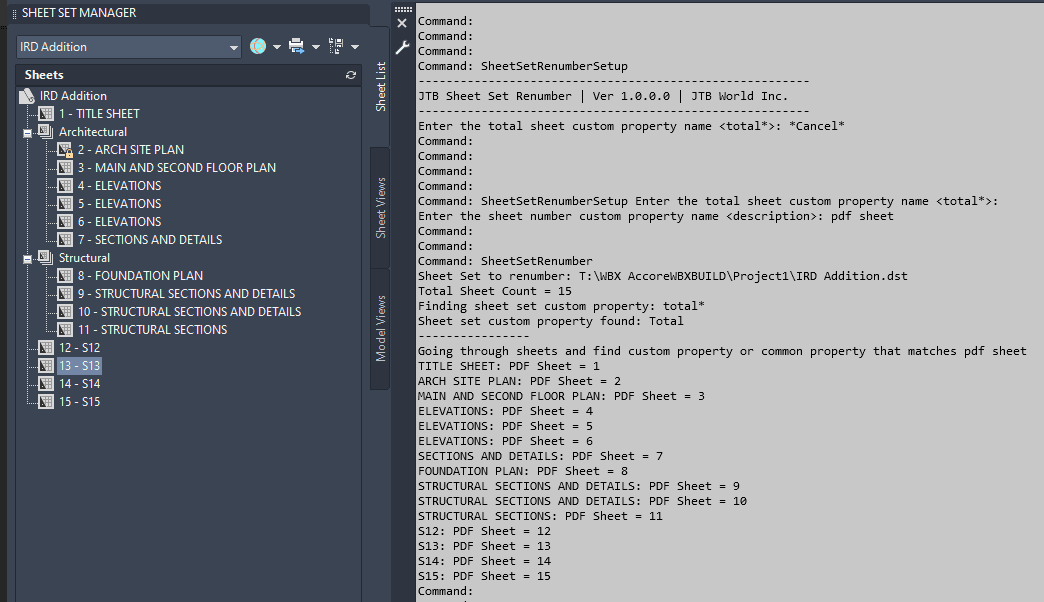
So, this app is made to help. It assumes that sheet numbering is based on the same order of the sheets listed in your sheet set, and no sheet is excluded from the total number. Then, every time you reorder the sheets in sheet set, insert or delete sheets, run the app command "SheetSetRenumber" and all the Sheet Number, Total Number fields will be updated.

See video of usage here.

Example of before
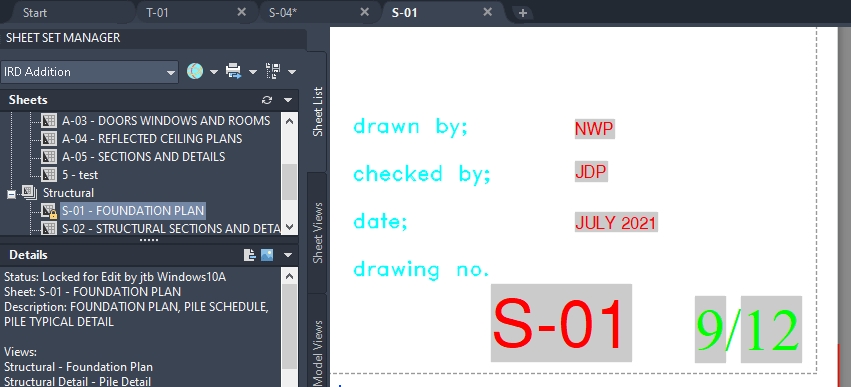
and after deleting 1 sheet.
Free trial available at JTB Sheet Set Renumber.

Tuesday, July 27, 2021

JTB XClipClean 4.0.0 released

JTB XClipClean 4.0.0 has been released.

  • Upgrade from VBA to .NET improving performance and stability.
  • Remove messages about uninstallation in very-silent installation mode.

If you are using clipped xrefs or blocks you may find this app useful.

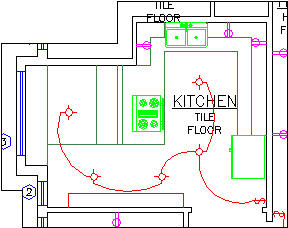
Kitchen with the xclip boundary visible

JTB XClipClean is an Xclip-cutter app for AutoCAD to clean up xrefs or blocks that been clipped so that the information that is outside the clip is removed. This is useful when you need to remove hidden geometry and minimize DWG file size.

AutoCAD allows blocks and xrefs to be clipped using the XCLIP command. Sometimes for different reasons you have to clean up the blocks or xrefs that have been clipped. JTB XClipClean can help you with that by deleting and trimming geometry that is outside the xclip boundary.

Revit does not handle xclipped blocks and xrefs so XClipClean can be useful to run on drawings before taking them into Revit.

Thursday, May 13, 2021

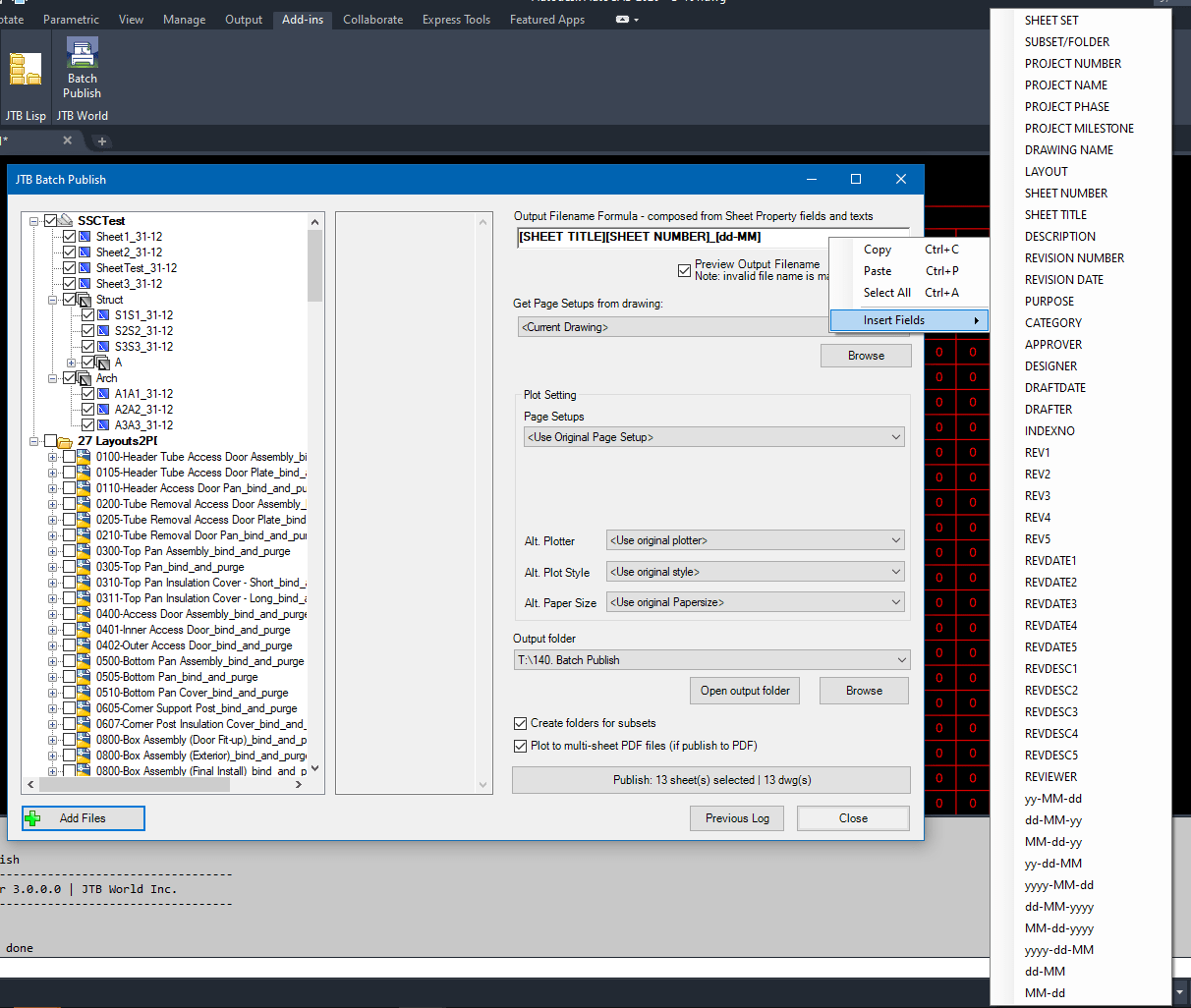
JTB Batch Publish 3.0.2 released AutoCAD 2022 supported

JTB Batch Publish 3.0.2 has been released and now works with AutoCAD 2022.

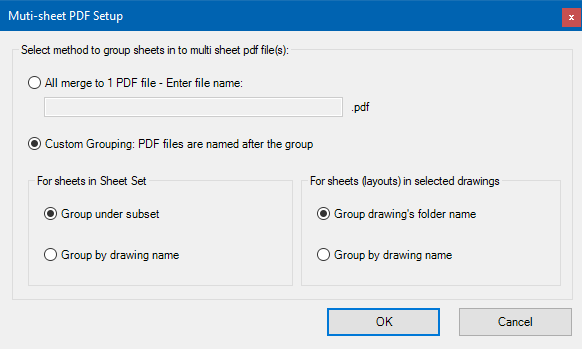
JTB Batch Publish is an app for AutoCAD and BricsCAD that publishes sheets in Sheet Sets, layouts in other drawings, folders or drawings in DSD files to files like PDF and DWF or images like PNG. The files created are named as you want based on a naming formula that you specify. Use date fields and/or sheet properties of your choice to build up the output filename.

Download is here as well as trial.

Monday, May 10, 2021

JTB Sheet Set Creator 2.8.2 released

JTB Sheet Set Creator 2.8.2 got a bug fixed and in previous version, AutoCAD 2022 was added support for.

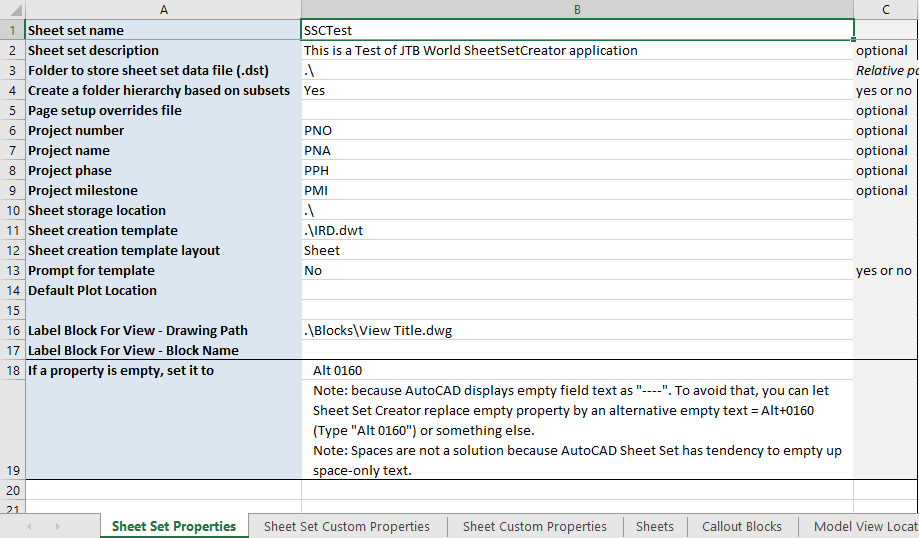
JTB Sheet Set Creator is an app for AutoCAD that creates new Sheet Sets and Sheets with all properties based on an Excel template.

Download the upgrade or try it. JTB Sheet Set Creator

If you are using Sheet Sets you can make batch edits of properties with JTB SMPropEditor or make merge, purge and convert with JTB DST Tool or publish with JTB Batch Publish.

Sunday, May 9, 2021

Batch scripting for DraftSight with JTB SmartBatch

JTB SmartBatch 5.5.0 is released made it compatible with DraftSight and before that with AutoCAD 2022.

Download here. Purchase a new license or upgrade here.

JTB SmartBatch is a batch and script utility for processing multiple DWG drawings with full control with AutoCAD, BricsCAD, ZWCAD, DraftSight or GstarCAD.

JTB SmartBatch closes dialog boxes that might otherwise stop batch processing like for example dialog box showing missing fonts. Execute LSP or SCR files on multiple drawings. JTB SmartBatch handles crashes so the CAD batch processing continues to the end and leaves bad drawings to be corrected manually. Many purge and cleanup settings available. Useful before backups and distribution of drawings. The file's modified time stamp can be restored.

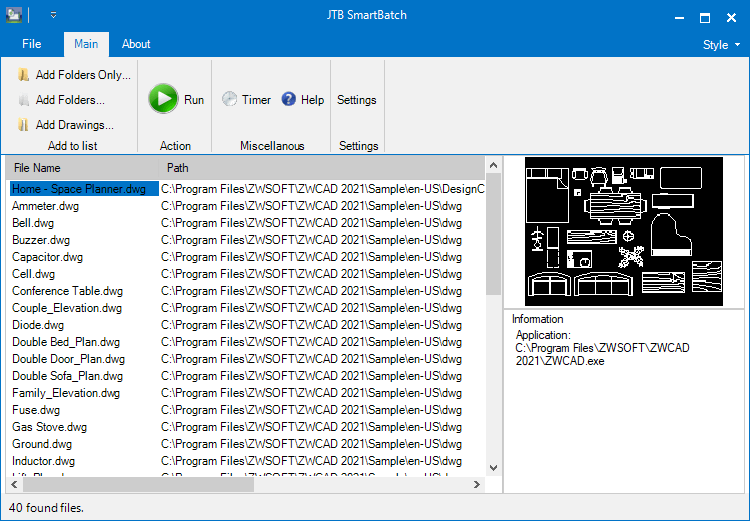
ZWCAD batch scripting

The free trial without license file is fully functional except that you can only batch process 10 drawings per session to give you the chance to confirm that the program works as expected. When you purchase you can use JTB SmartBatch with no limitations.

Some of the latest blog posts

Subscribe to RSS headline updates from:
Powered by FeedBurner

Contact Us | About JTB World | Website General Terms of Use | Privacy Policy
^ Top of page

© 2004- JTB World. All rights reserved.